Canadian households cooking from a mix of Canadian, American and older cookbooks, and anyone who plans a week of meals and wants the shopping list to match the packages on the shelf.
How it works
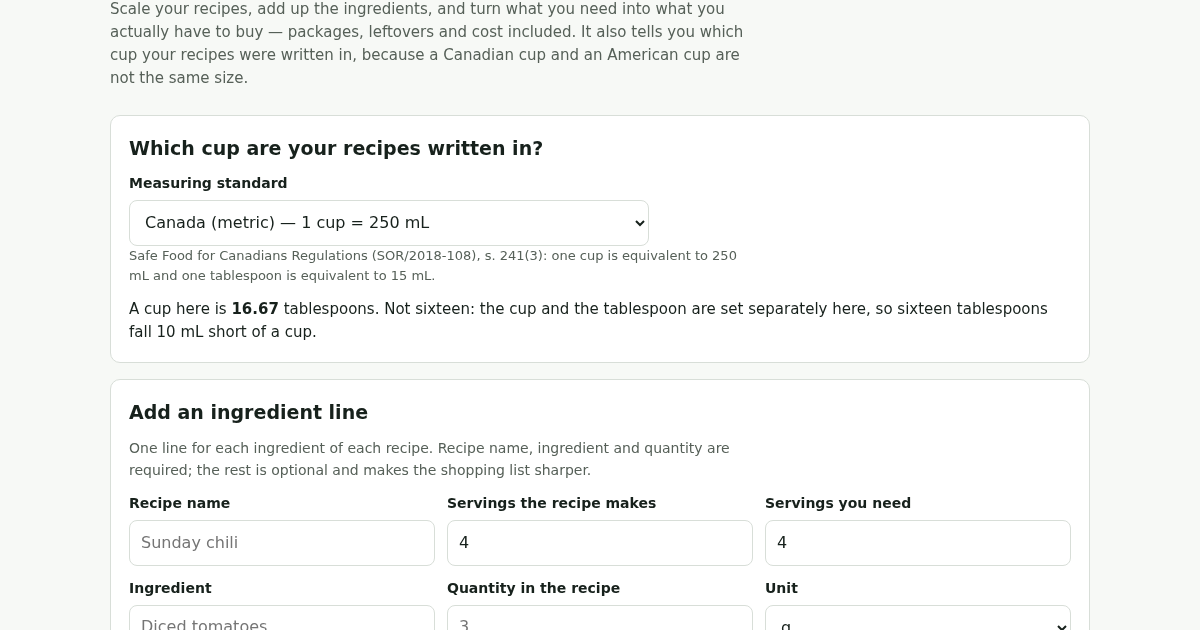
- Pick the measuring standard your recipes were written in.
- Enter one line for each ingredient: recipe name, servings the recipe makes, servings you need, ingredient, quantity and unit.
- Add the package size and price at your shop when you know them, and anything already in the pantry.
- Read the shopping list: what to buy, how many packages, what is left over, and what it comes to.
What you gain
- Scales any recipe to the servings you actually need, converts between the three cup measures used in Canada and the US, and turns the list into what you really need to buy, leftovers already worked out.
Screenshot
Technical details
How to set up & use
- Buy the license — your key (lic_...) appears on the order page and in your email.
- Sign in at app.synoriaai.com with your license key.
- No installation — the product runs in your browser, on your own isolated instance.
- 1. Open the Cup Check page and pick your measuring standard (Canada metric, US customary, or Canada pre-metric).
- 2. Enter your recipe name, how many servings it makes, and how many servings you need.
- 3. Add each ingredient with its quantity and unit, then specify the package size and price for that ingredient.
- 4. Click 'Add' to include the ingredient; repeat for all ingredients in your recipe.
- 5. Review the scaled grocery list, which combines same ingredients across recipes and shows packages needed, leftover, and cost.
Frequently asked questions
Does Cup Check store my recipe data or personal information?
No. All calculations happen in your browser; your recipes, quantities, and prices are not saved or transmitted to any server.
Can Cup Check handle recipes with ingredients measured in grams or liters?
No. It only works with cup-based measurements and package sizes in the same unit; other units are not supported.
What happens if I add the same ingredient to two recipes?
Cup Check combines the quantities into one line, using your pantry stock once, so it won't double-count what you already have.
Related products
Giorni Utili: Giorni Lavorativi e Festività Italiane
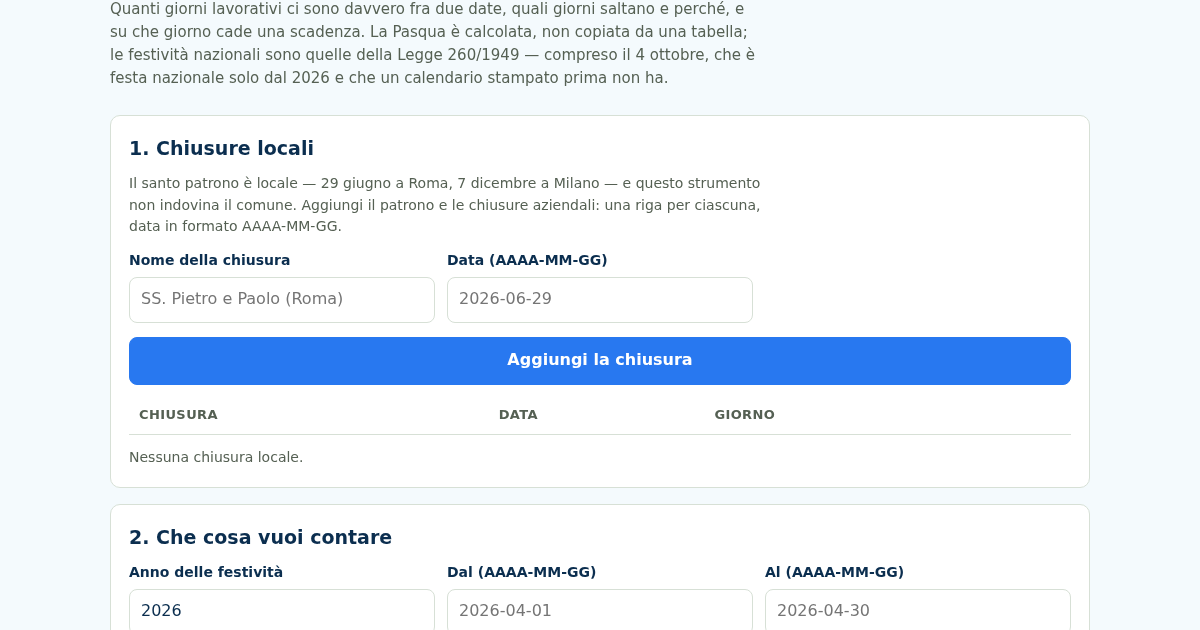
Dal 2026 il 4 ottobre è festa nazionale — la Legge 8 ottobre 2025, n. 151 l'ha aggiunto all'elenco dell'articolo 2 della Legge 260/1949 — e un calendario stampato prima non ce l'ha. Nello stesso 2026 cinque delle dodici…
Giorni Utili: Giorni Lavorativi e Festività Italiane
Dal 2026 il 4 ottobre è festa nazionale — la Legge 8 ottobre 2025, n. 151 l'ha aggiunto all'elenco dell'articolo 2 della Legge 260/1949 — e un calendario stampato prima non ce l'ha. Nello stesso 2026 cinque delle dodici…
Giorni Utili: Giorni Lavorativi e Festività Italiane
Dal 2026 il 4 ottobre è festa nazionale — la Legge 8 ottobre 2025, n. 151 l'ha aggiunto all'elenco dell'articolo 2 della Legge 260/1949 — e un calendario stampato prima non ce l'ha. Nello stesso 2026 cinque delle dodici…
Giorni Utili: Giorni Lavorativi e Festività Italiane
Dal 2026 il 4 ottobre è festa nazionale — la Legge 8 ottobre 2025, n. 151 l'ha aggiunto all'elenco dell'articolo 2 della Legge 260/1949 — e un calendario stampato prima non ce l'ha. Nello stesso 2026 cinque delle dodici…